Yeah yeah, I procrastinated on finishing this post so hard that I no longer use this profile picture anywhere, since I got a proper fursona. But oh well, it’s an interesting story, so I might as well share it.
The origin story of my (old) profile picture
I still remember the day. It was October 20, 2019. I’ve been on Twitter (when it was still called that) without a profile picture for months now. Then, one of my friends got art with his boyfriend, featuring an image of both their fursonas, and both of them set that as their profile picture. This made for some really confusing conversations, so I decided to be funny and change my profile picture to that too, just to make everything a lot worse. My friend of course was like “omfg”. He loved the idea, but of course I couldn’t keep the image indefinietly. Which is what made this simple idea amazing, at least for me.
I’ve been procrastinating on making a profile picture for a while now, since I wanted a fursona first. But now that I had a profile picture I couldn’t keep, I was finally able to force myself into making something. Not a fursona though, just a profile pic.
So during a calm, Sunday morning, instead of doing anything university related,
I made myself a profile picture. I started by looking at pictures of wolves. I
used GIMP to resize and grayscale it, then used
jp2a to convert it into
ascii characters. jp2a also gave me the option to output to HTML, which is
what I did. But in the end, I changed the CSS, so that the text color is lightblue instead of white. Then, I just took
a screenshot.
The end result
I didn’t just make 1 image though. I made 3. I of course had a preference, but decided to get a second opinion from my friend.
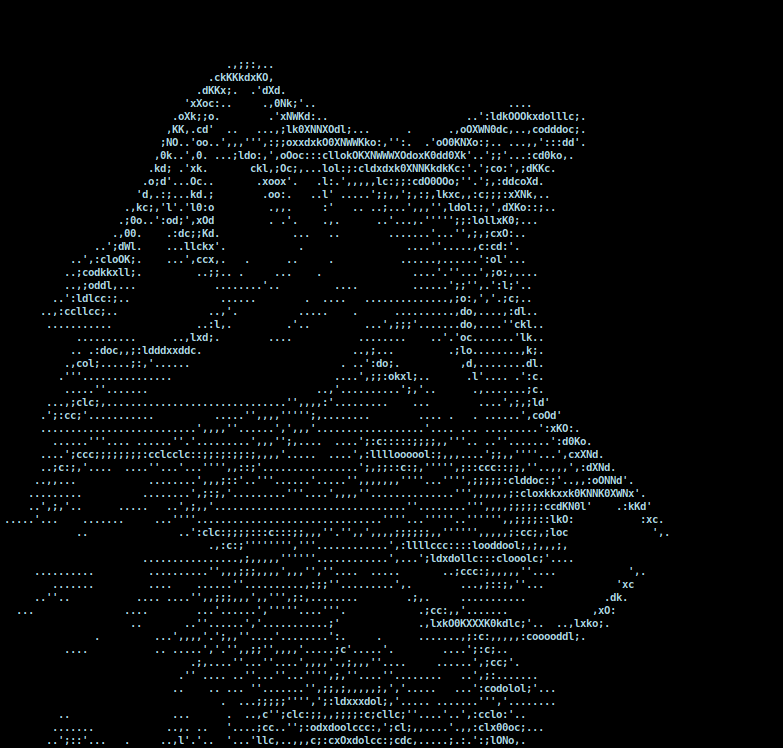
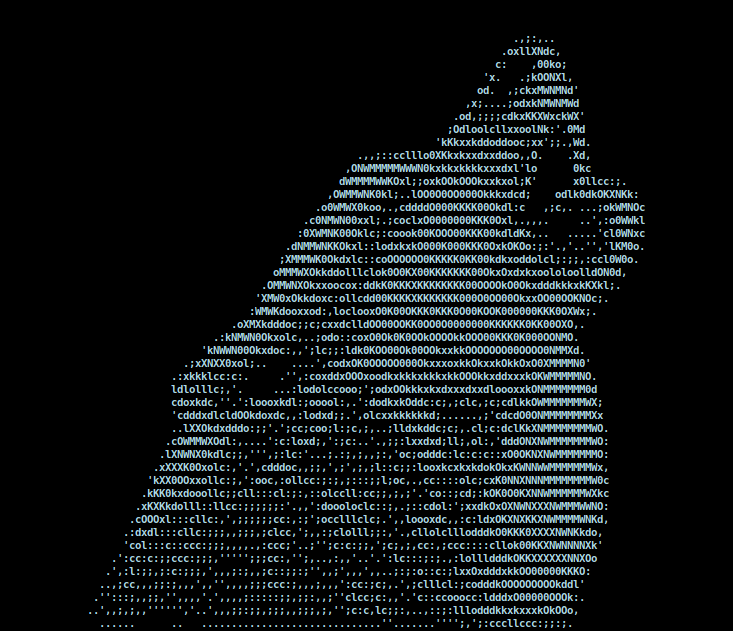
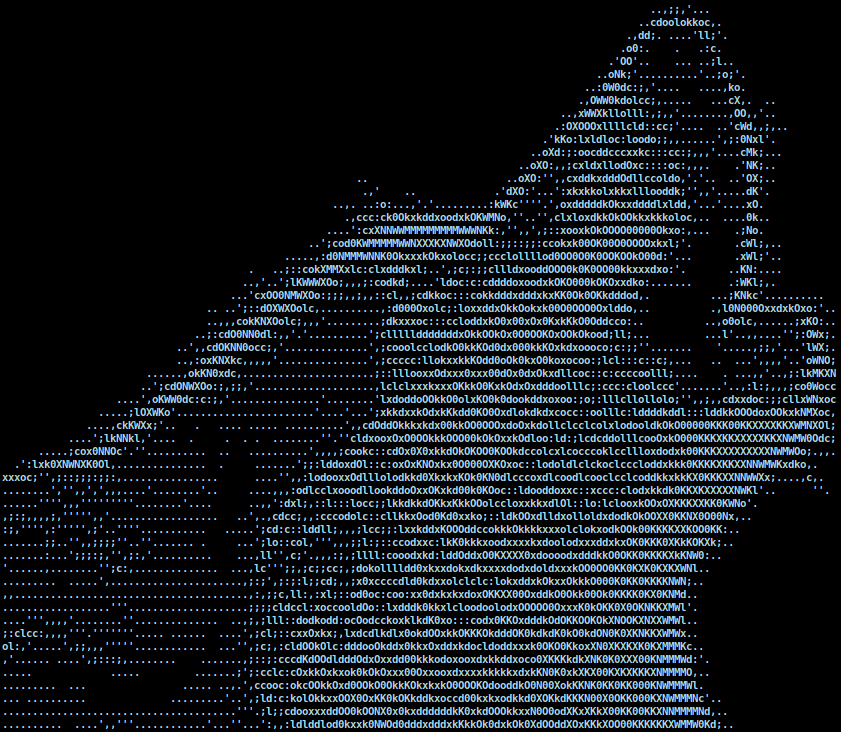
He liked the 1st option too. I agreed. And thus my new profile picture was born.
There’s only 1 problem, however: as I usually do, I did all my work under the
/tmp folder in Linux. The only thing I appear to have kept is a png copy of
the screenshot.
Recovering my profile picture
The failed attempts
I did try looking through all my computers for all sorts of original files, just to see if maybe, I did save it somewhere, but no luck.
I tried running it through various pieces of OCR software, but that failed. Mostly because of all the spacing issues, and because of the poor quality of the image.
Then, I tried to redo the process of how I created my original image. Though instead of resizing the image with GIMP, I used imagemagick, and programically generated a bunch of different width images. Then, I ran all of them through jp2a, but none of them produced an exact match.
The success in the end
I decided to get my hands dirty, and just write an image processing script in python. Because the text was monospaced, using some trial and error, I could chop up the image into individual characters, and save them into a folder. Thankfully most characters were unique enough that they had the exact same pixels, for the most part.
There were however, 140 different characters used in my image. So, I wrote another script that uses a lookup table of individual colors to match them with characters. To speed up the process, in case it didn’t find a character, it showed me the image, and then asked me which character it is. I told it, and it saved that information in its lookup table.
This is what the script looked like:
import os
from PIL import Image
import numpy

lookuptable = {
	'[0, 0, 0, 0, 0, 0, 0, 0, 0, 0, 0, 0, 0, 0, 0, 0, 0, 0, 0, 0, 0, 0, 0, 0, 0, 0, 0, 0, 0, 0, 0, 0, 0, 0, 0, 0, 0, 0, 0, 0, 0, 0, 0, 0, 0, 0, 0, 0, 0, 0, 0, 0, 0, 0, 0, 0, 0, 0, 0, 0, 0, 0, 0, 0, 0, 0, 0, 0, 0, 0, 0, 0, 0, 0, 0, 0, 0, 0]': ' ',
	'[0, 0, 0, 0, 0, 0, 0, 0, 0, 0, 0, 0, 0, 0, 0, 0, 0, 0, 0, 0, 0, 0, 0, 0, 0, 0, 0, 0, 0, 0, 0, 0, 0, 0, 0, 0, 0, 0, 0, 0, 0, 0, 0, 0, 0, 0, 0, 0, 0, 0, 0, 0, 0, 0, 0, 0, 0, 0, 0, 0, 0, 0, 117, 181, 27, 0, 0, 0, 124, 198, 33, 0, 0, 0, 0, 0, 0, 0]': '.',
    ...
}

def gigasplit(imagePath, output, height, width, skipH = 0, skipW = 0):
	with open("asciiwolf.txt", "w") as f:
		im = Image.open(imagePath)
		imgwidth = im.size[0]
		imgheight = im.size[1]
		counter = 0
		for h in range(skipH, imgheight, height):
			for w in range(skipW, imgwidth, width):
				# box = (width start, height start, width end, height end)
				box = (w, h, w+width, h+height)
				cropped = im.crop(box).convert("L")
				#cropped.save(os.path.join(output, "PNG", f"IMG_{counter}.png"))
				#print(str(counter) + ": " + str(list(numpy.array(cropped).flatten())))
				checkarray = str(list(numpy.array(cropped).flatten()))
				global lookuptable
				if checkarray in lookuptable:
					print(lookuptable[checkarray], end="")
					f.write(lookuptable[checkarray])
				else:
					#print(str(counter) + ": " + checkarray)
					os.system("sxiv -z 800 PNG/IMG_" + str(counter) + ".png")
					char = input("Enter char: ")
					lookuptable[checkarray] = char
				counter += 1
			f.write("\n")
			print()

# These params are really good tbh
#gigasplit("asciiwolf.png", ".", 13, 6, 3, 4)
gigasplit("asciiwolf.png", ".", 13, 6, 4, 4)
#print(lookuptable)
And after running it, and filling in the data for 121 different characters, it produced a perfect result. And thus, I got my original text back.
You can view the html version here